Week 11
Let's start a Cursor Party!
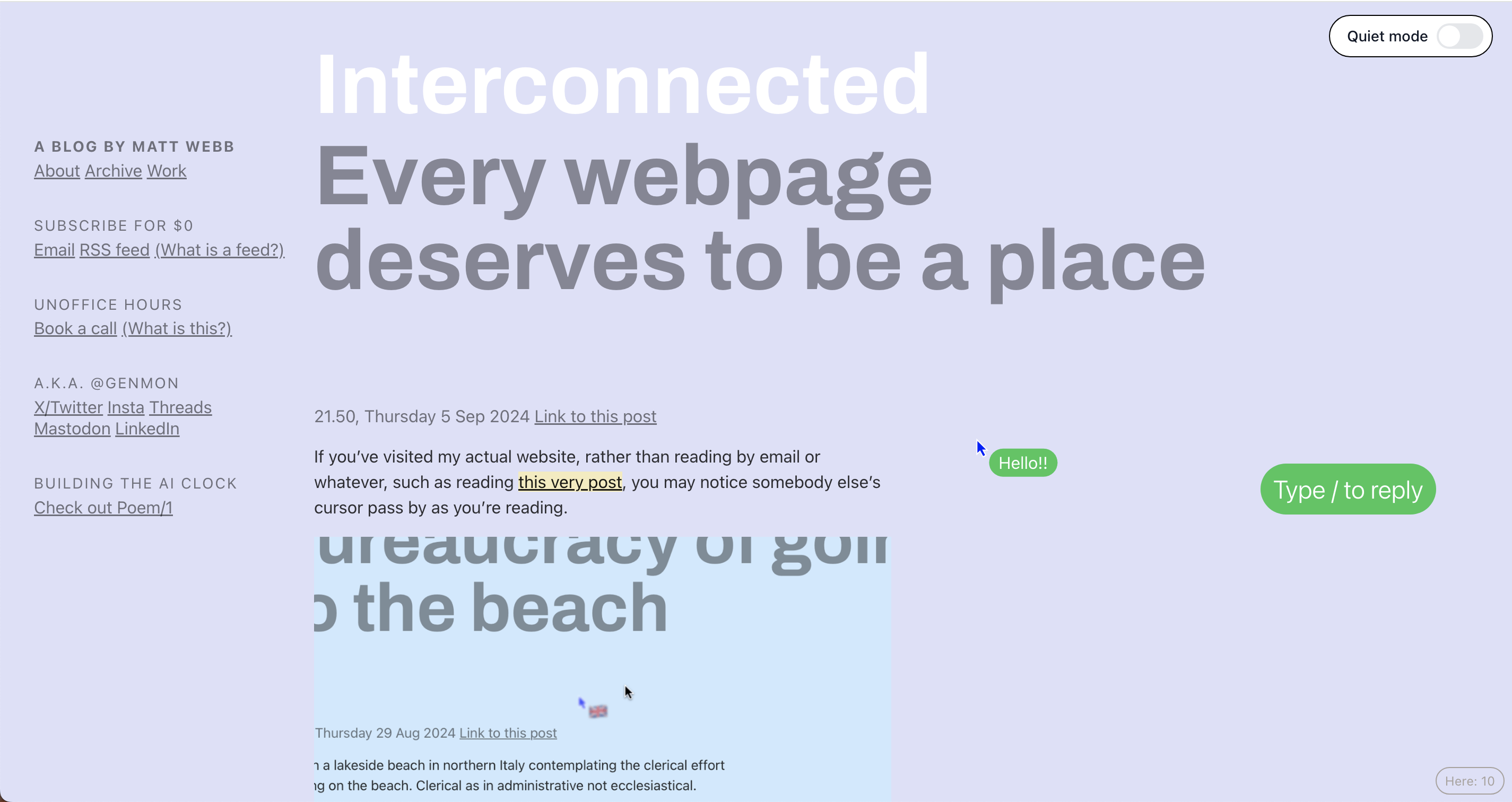
Back in week 6, Andreas recommended this website
where Matt Webb introduced a library which he created to enable a cursor chat function for websites. I've previously shared about how much I resonate
with Webb’s ideas, particularly his approach to incorporating shared presence in websites. Browsing often feels like a solitary experience,
and his work challenges that by fostering a sense of connection and co-presence.
This brings me to my next exploration: how can shared presence be further integrated into web interactions in a way that relates to my project?
Process: Using PartyKit for real-time experience
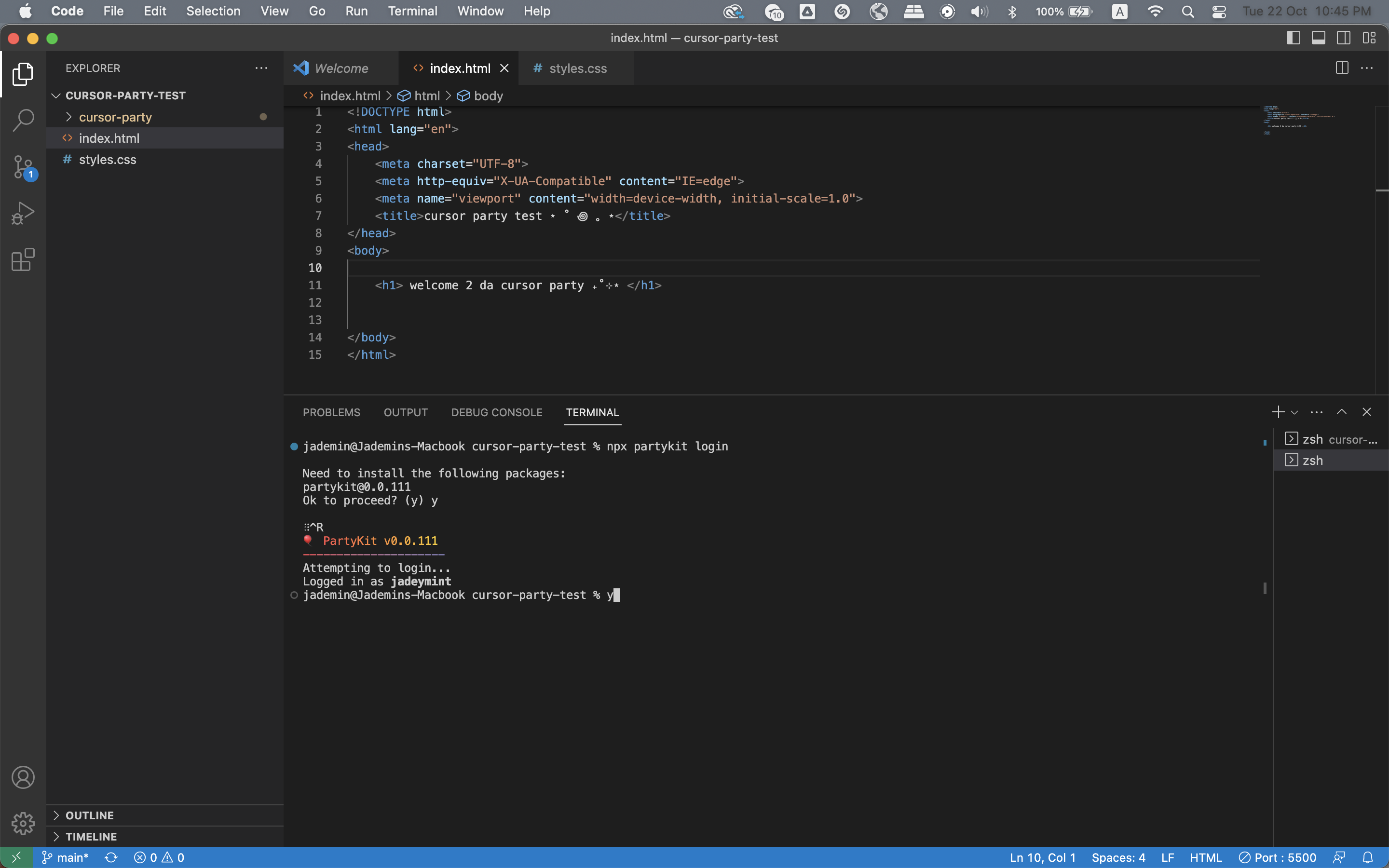
Installing PartyKit Package First time using the terminal on Visual Studio Code
I started off with cloning the repository with git clone where I learned that it could provide me with the full project structure and code files.
Next, i installed dependencies such as PartyKit and Miniflare using the command npm install which allowed my project to have everything needed to run both locally and in a deployment.
Thereafter I specified websites that could interact with the multiplayer cursor feature and logged into partykit and deployed the project.
In summary, this cursor party operates through a WebSocket API to allow real-time communication, with PartyKit managing
the WebSocket connections. PartyKit handles the back-end service, and the cursors.js script serves as the front-end.
Cursor Party
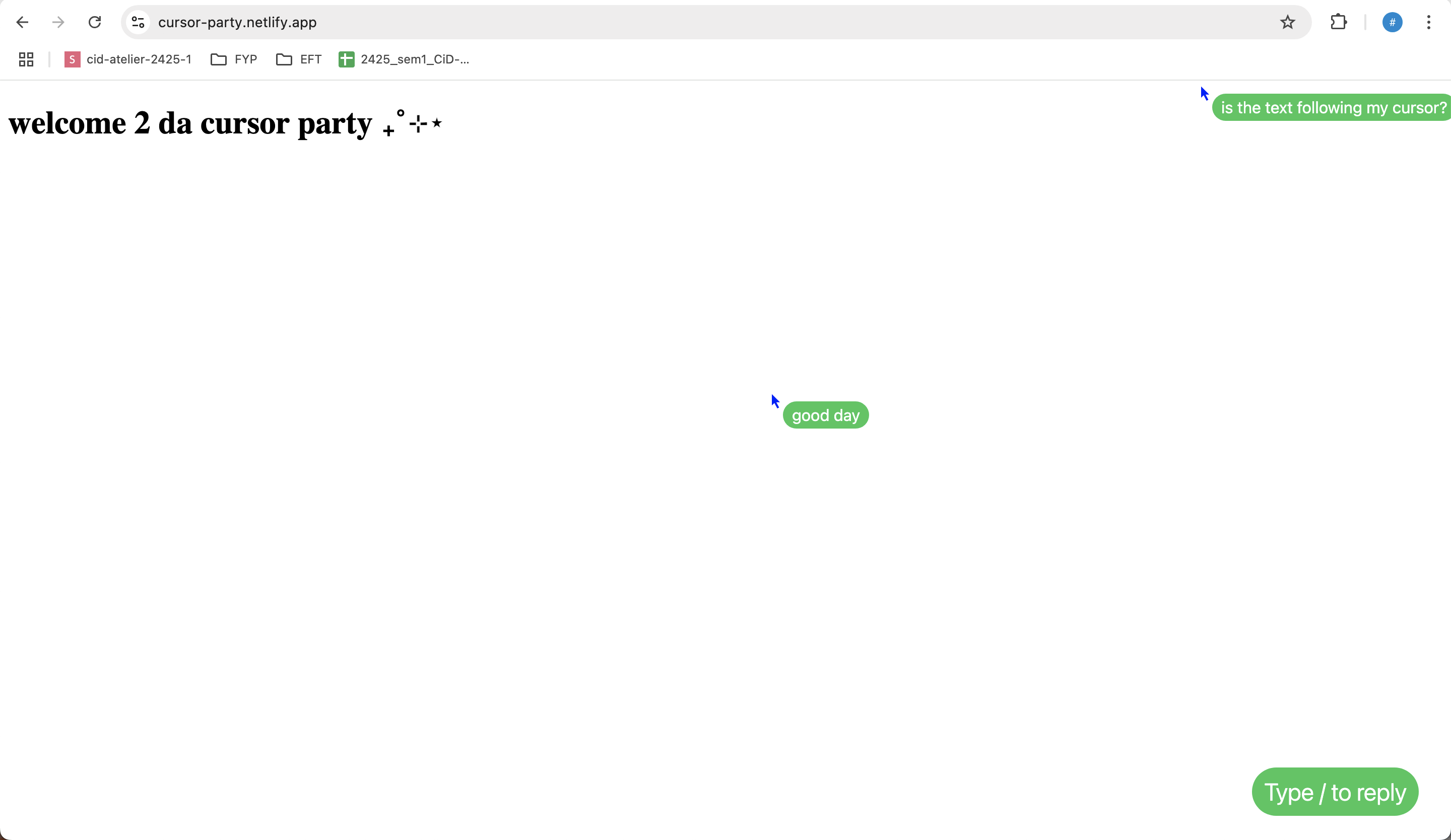
Success Attempt The world is my oyster with this new knowledge 🦪
Reflection on Technical Aspects
I think it was relatively easy to get this to work through following instructions, and even though I did not know the technical parts fully, I feel like having this in my tool box could be useful for further implementations for my prototype, especially since it is linked to my topic of speculating alternative web spaces. There are more things that could be done, for example, changing the visuals of the conversation container, and maybe incorporating a playful environment in it.
Informal User Testing Session
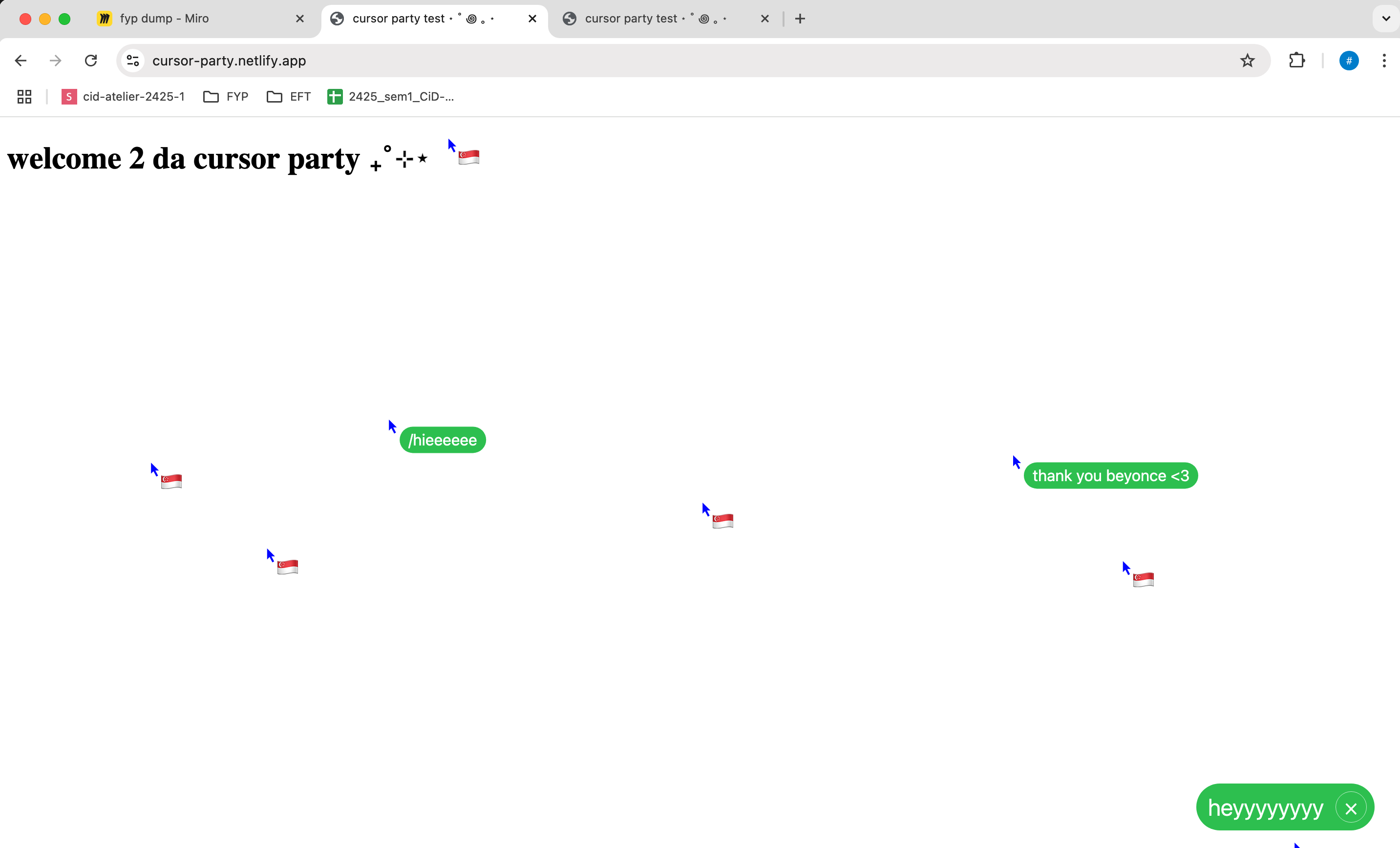
Invited the class to join the party I think they were kinda confused
When I invited my classmates to explore my website and interact with the cursor chat function, I feel that simplicity could have so much humanity.
It was a really short, impromptu session but watching them engage, feels that even the simplest forms of interaction could generate some sense of fun, which
is reminiscent of the early web era, where users were still exploring different functions of the web.
In this scenario created, cursors are the medium for conversing and forming dialogues. Most oftenly used tool, transformed into something to converse.
Visual Exploration: Perlin Noise
The previous time, creating gestures to browsers inspired me to attempt to create more visuals using web based visuals. This time, I wanted to try to incorporate a perlin noise algorithm, and filling it with checkboxes into each cell instead. I don't know how it links to whatever I'm doing, but I'm taking it as an exercise to see where it takes me.
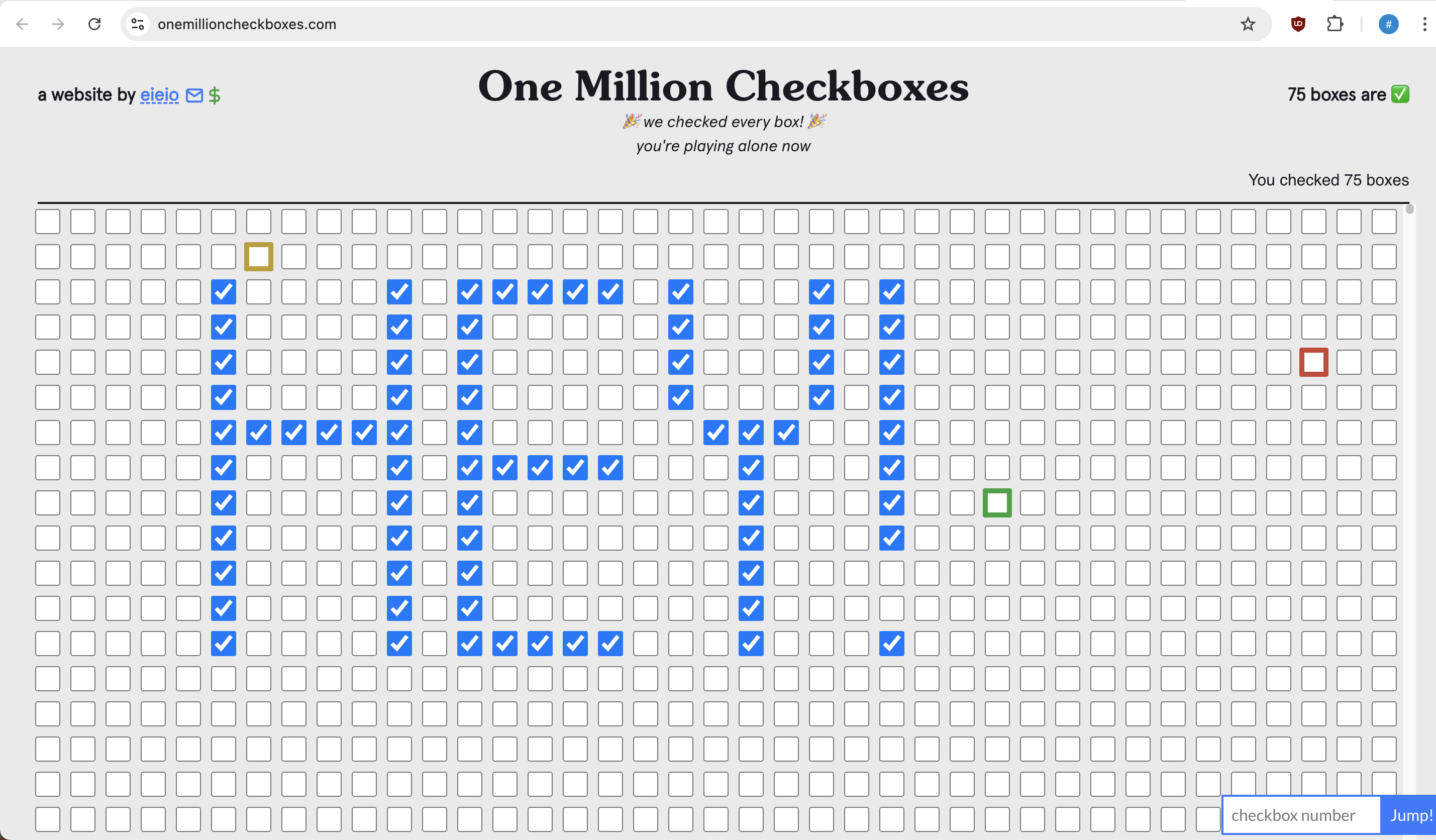
Something like this, maybe!
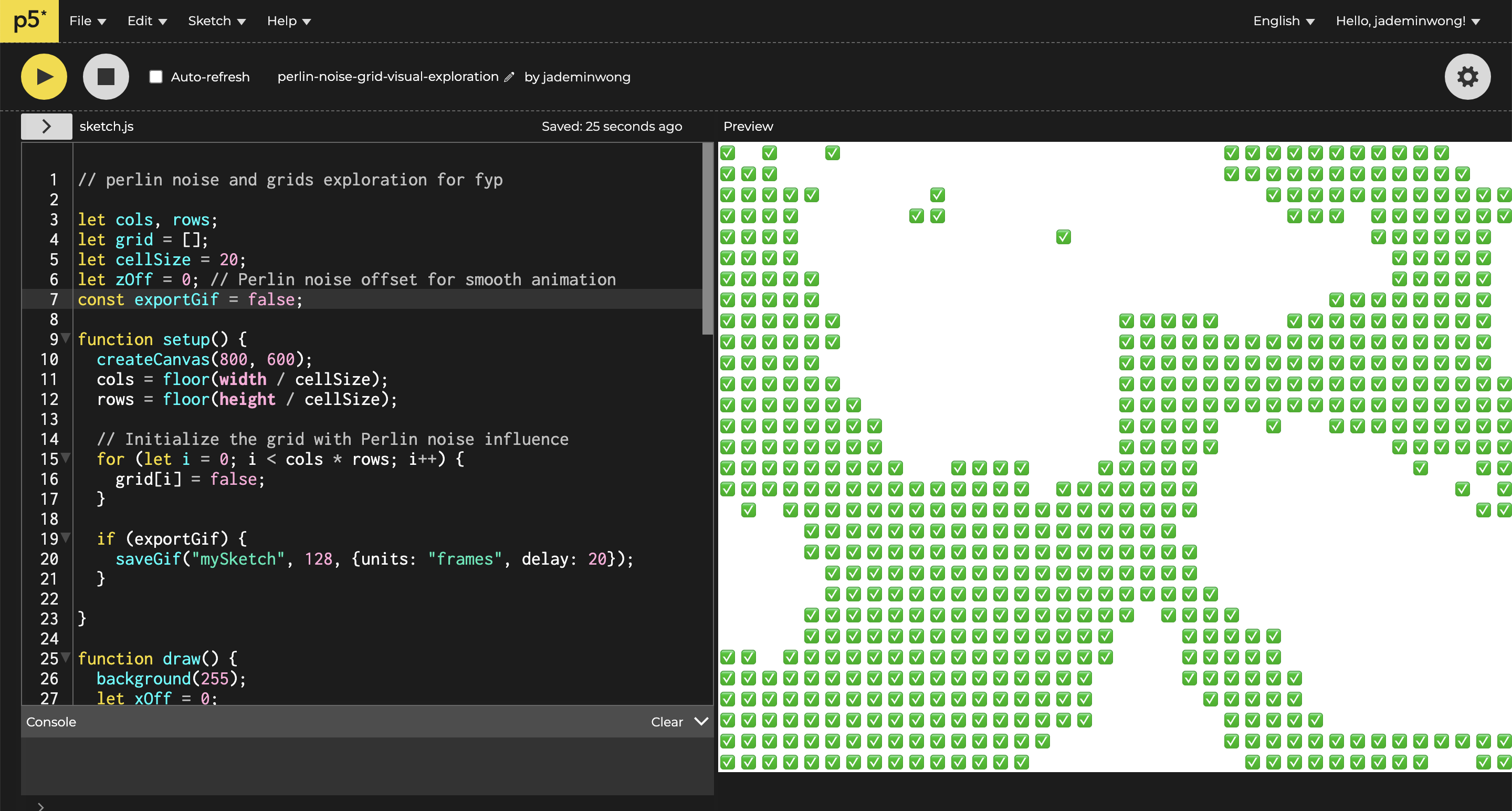
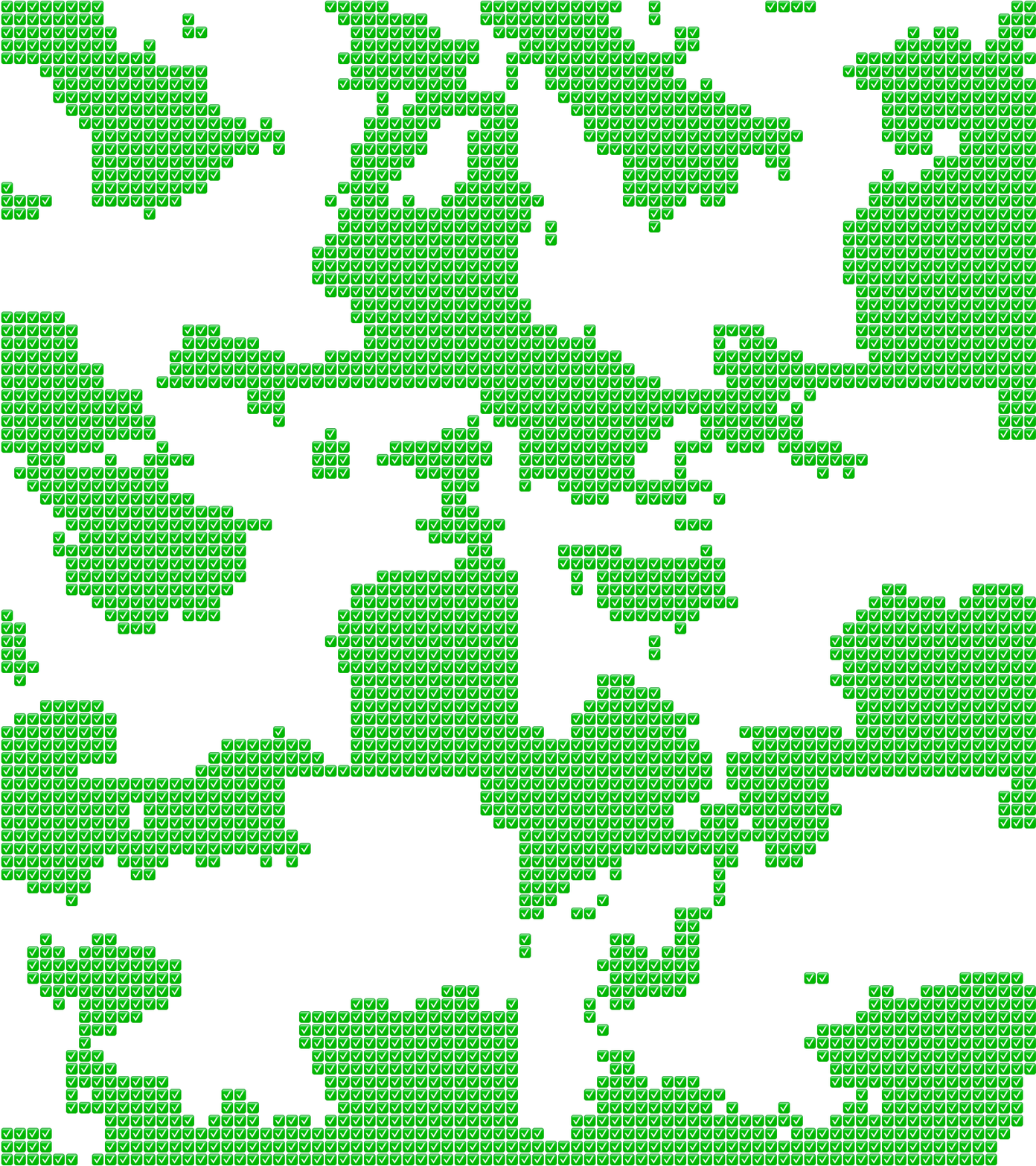
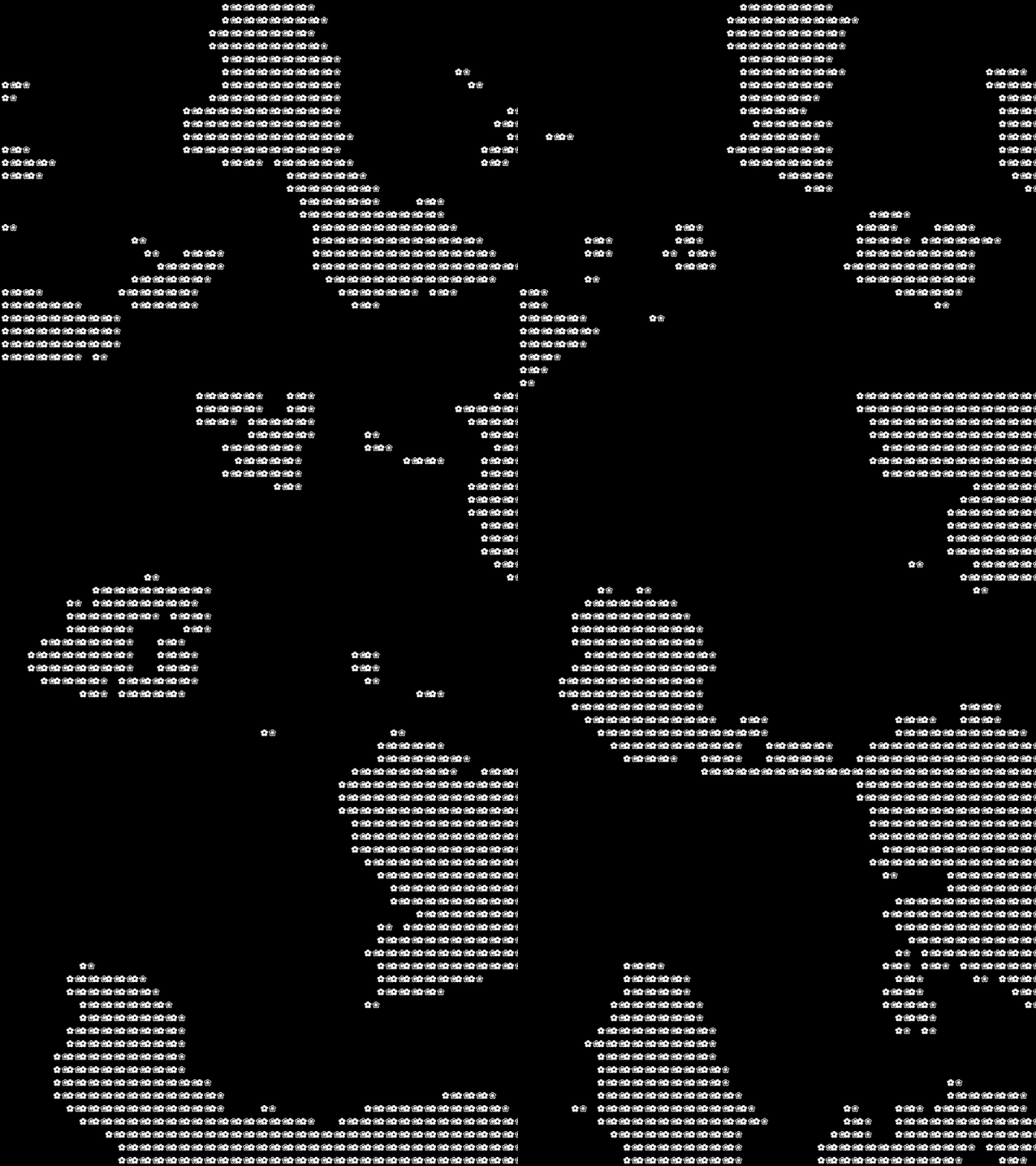
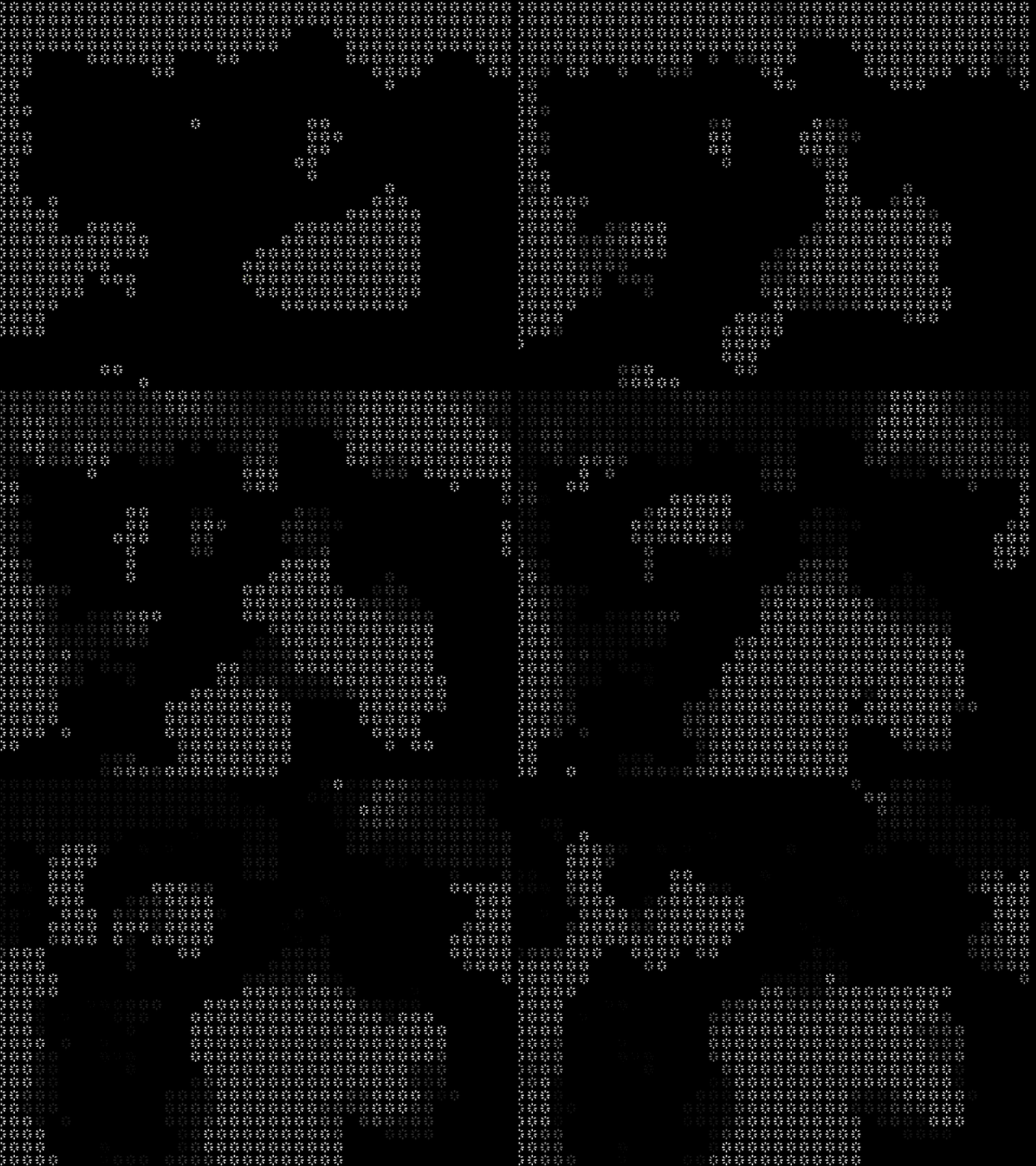
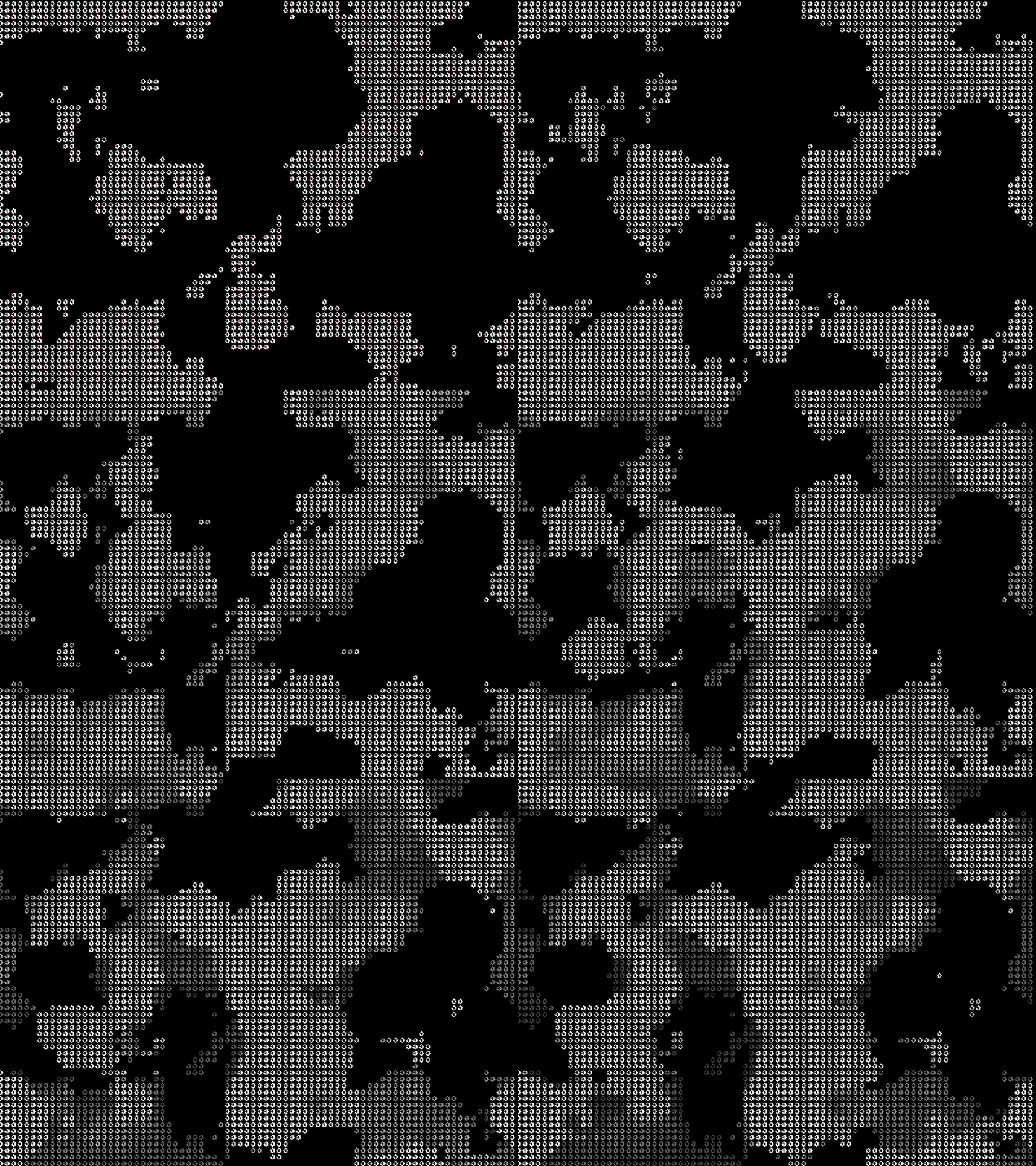
I played around with using different glyphs, symbols, which reminded me of ASCII. Changed the opacity, cell sizes, speeds, it was so fun to see these outcomes!
Reflections
I didn't get to implement it into VSCode, I left it as it is as I wanted to move on to other stuff. I think these visuals would be more fun if there were an input, maybe, gesture? or using different sensors? This is something I definitely want to work on in the future as I do want a wider variety of input and responses.